Talks like a friend, works like an assistant.
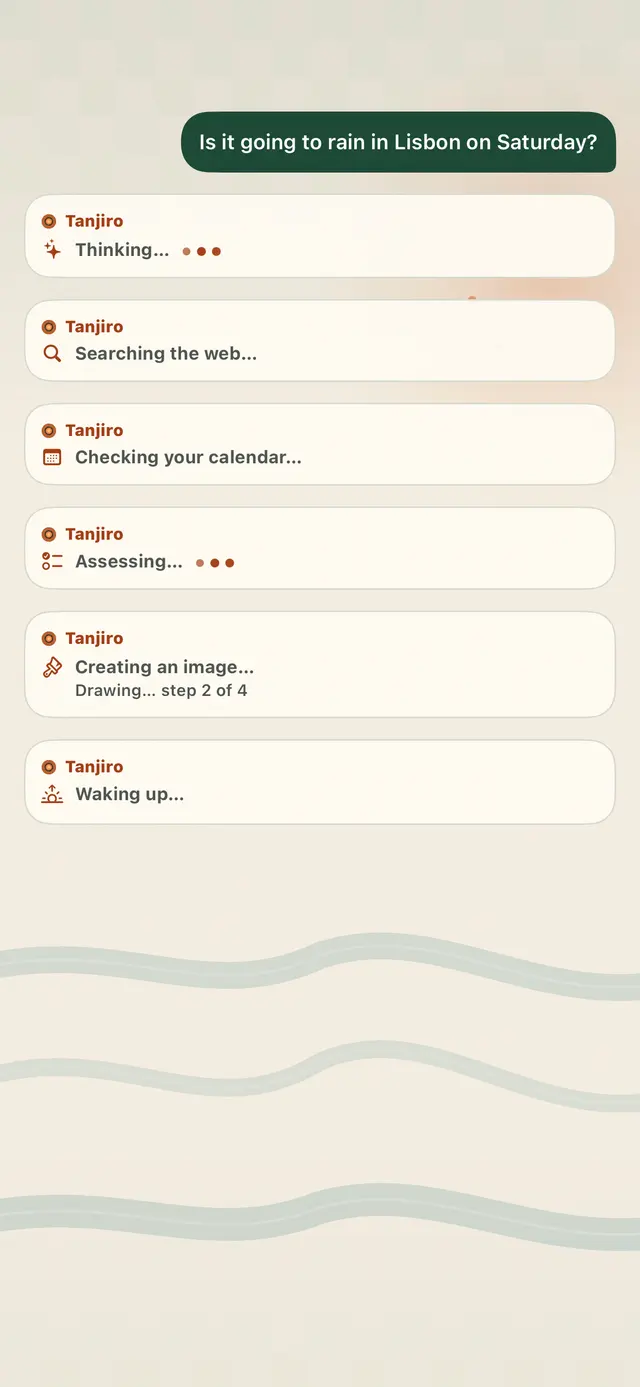
Short, warm replies in a texting style. It shows each step while it searches, checks your calendar or draws.
Private AI for iPhone
Chat, talk, look at photos and draw pictures, all on the phone. Your conversations stay on it.
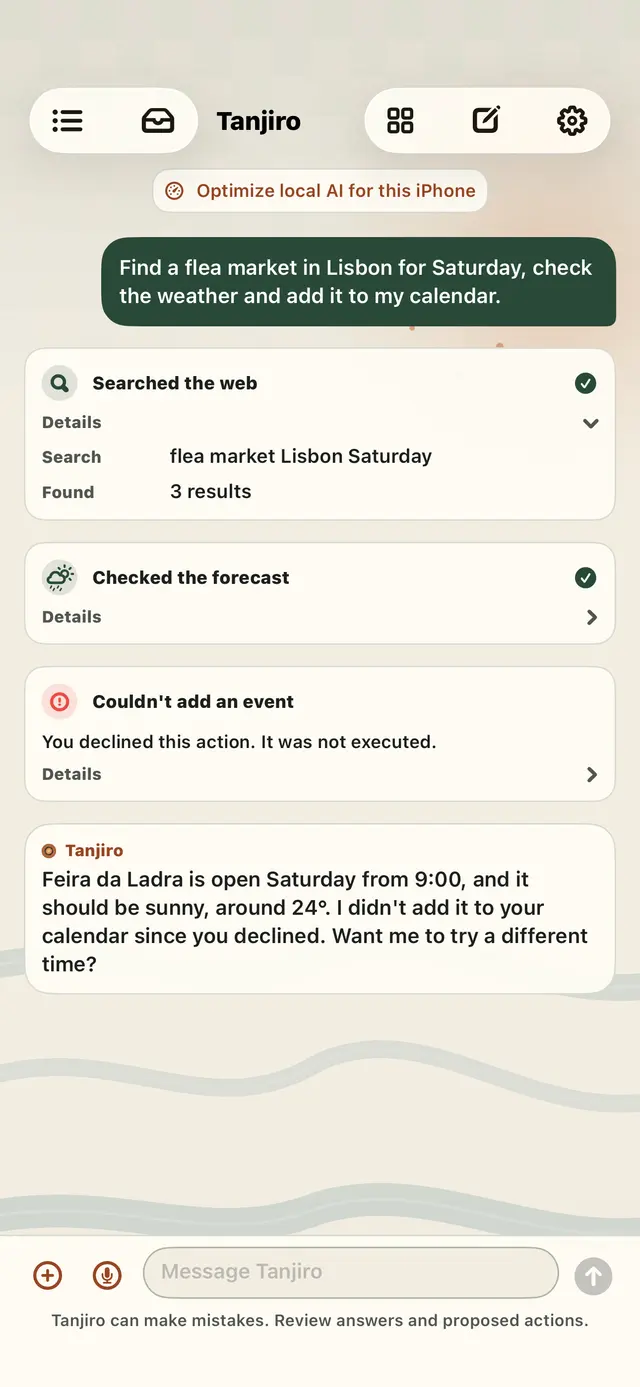
Ask in your own words. Tanjiro takes care of the rest and checks with you before it changes anything.
Short, warm replies in a texting style. It shows each step while it searches, checks your calendar or draws.
Calendar events, reminders, contacts, calls and FaceTime. Messages and emails wait for you to approve them.
Connect Gmail, Outlook or iCloud Mail with read-only access. Forward texts with a Shortcuts automation and it reads those too.
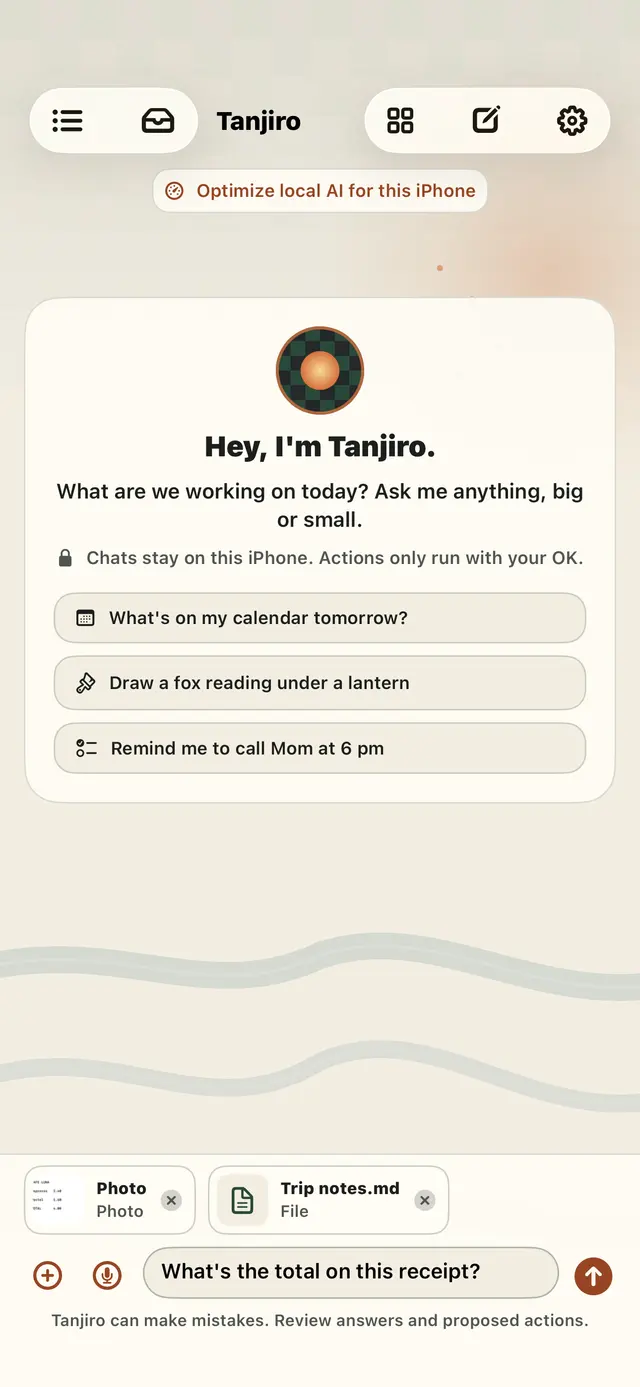
Name a plant or a bird, total a receipt, turn a flyer into a calendar draft, scan documents and read PDFs.
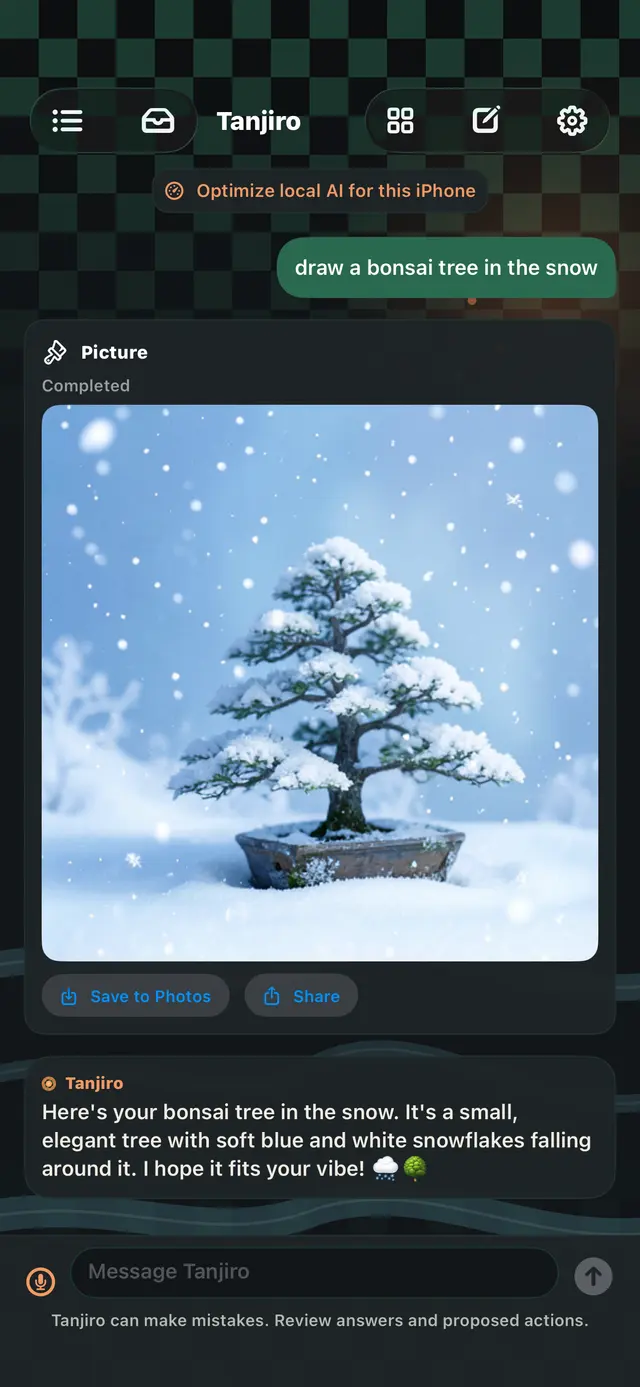
Describe it and watch it appear. Nothing is uploaded.
Web search with answers from what it found, forecasts, places, directions, stocks and package tracking.
Control Home scenes and devices, play music, check Bluetooth accessories and set up automations.
Talk instead of typing and hear replies out loud. Reach Tanjiro from Siri, Shortcuts and the Share sheet.
It saves a fact only when you ask. See, edit or delete every memory in Settings.
Privacy first
No cloud AI, no account, no ads. Tanjiro thinks on the phone itself, so your conversations are yours.
Real screens from the app, in the light or dark look your iPhone uses.
Thinking, searching the web, checking your calendar. You see each step as it happens.
Ask for a bonsai in the snow and the picture is drawn right on your iPhone.
Attach a receipt, a flyer or your notes and ask about them in plain words.
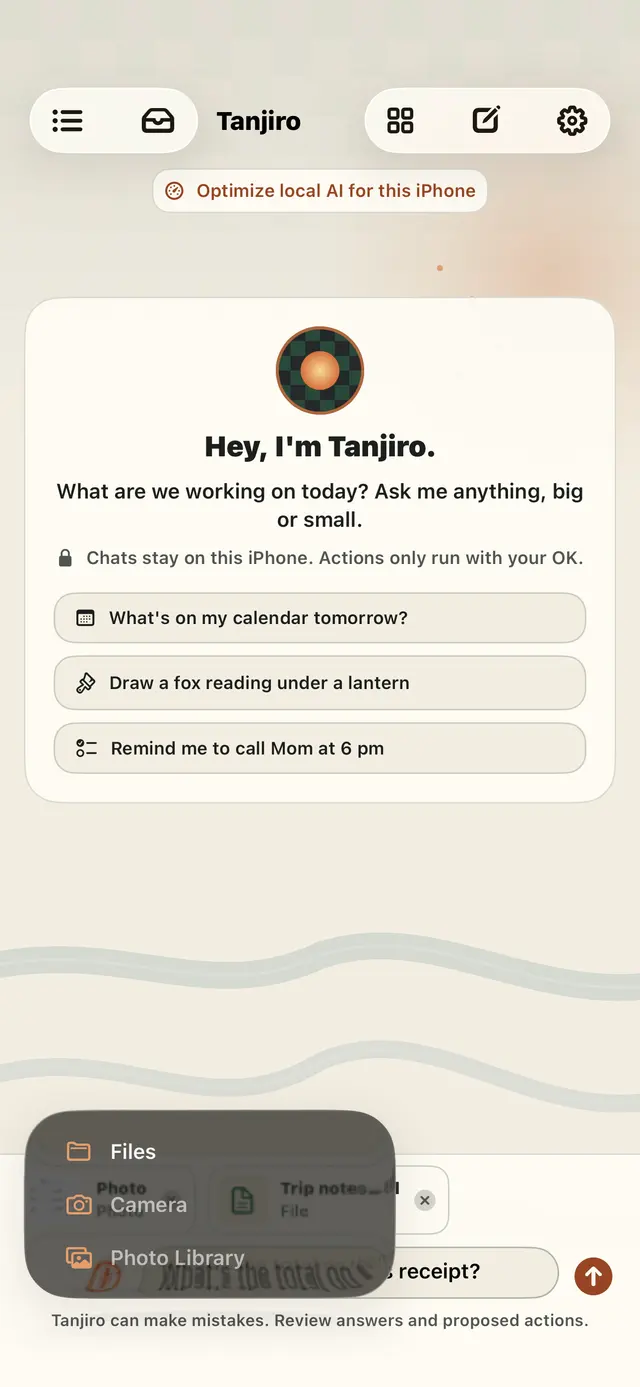
Files, the camera or your photo library are one tap away.
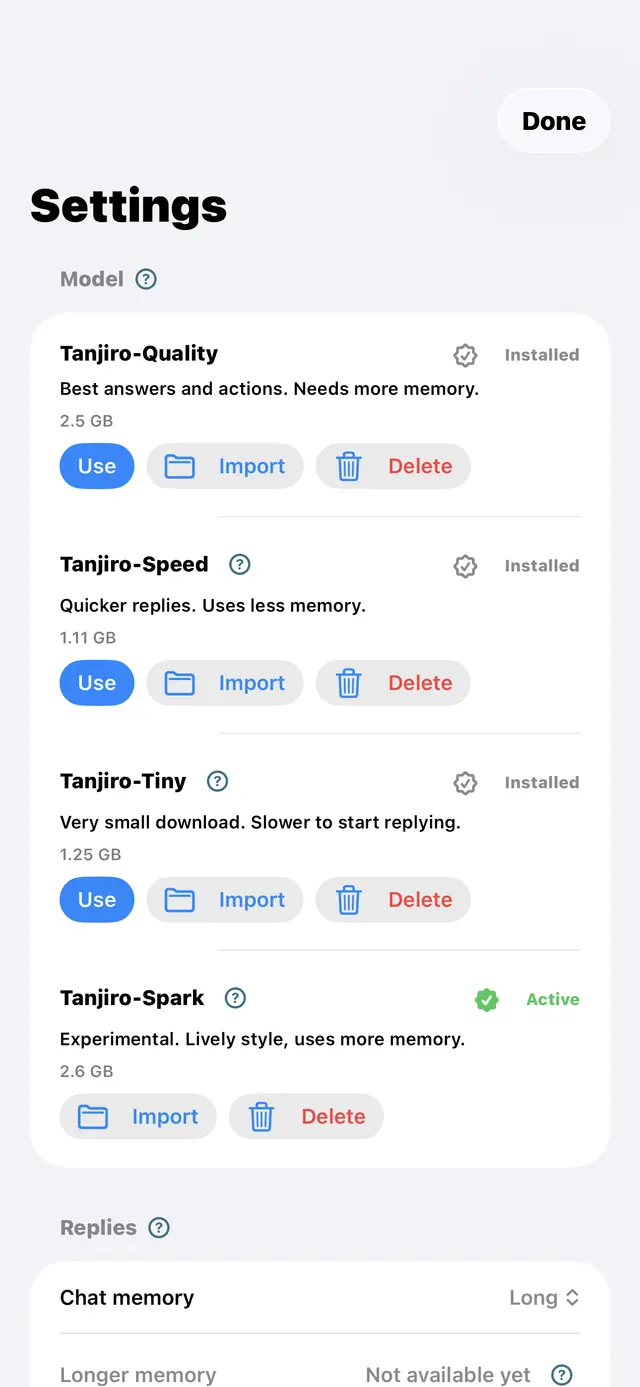
Your choice
Each one is made for Tanjiro and runs on your iPhone. Tanjiro picks the best fit for you, and you can switch any time.
No. Your chats, memories, photos and voice are handled on your iPhone. There is no Tanjiro account and no server of ours that receives what you say.
Yes. Once a model is on your iPhone, chat, voice, photos, pictures and documents all work offline. Web search, weather and the other online features need a connection and your permission.
Not unless you choose. Messages, emails, calls and anything that reaches other people always show you what will happen first. Changes on your iPhone, like a new calendar event, do too, unless you turn that off in Settings.
Only if you connect an account, and only with read-only access. Tanjiro never sends, deletes, moves or marks mail as read, and your mail is read on the phone.
iPhone apps cannot open your Messages. If you like, a Shortcuts automation can forward texts to Tanjiro, and it reads only what you forward.
Tanjiro needs iOS 18 or later and room for the model you pick, from about 1.1 to 2.6 GB, plus a little more for seeing photos and drawing pictures. It picks the best fit for your iPhone automatically, and newer iPhones with more memory run Tanjiro-Quality.
No ads, no tracking and no analytics on what you say or do.
Tanjiro is coming soon to the App Store.

Tanjiro is on its way to the App Store. Questions before then? Visit Support.